How to Make Money with Canva in 2026 — 8 Proven Ways for Beginners (Step-by-Step)
What if the free design tool you already have on your phone or laptop could pay your rent? As of 2026, Canva has over 260 million monthly active users and more than 31 million paying subscribers — and a growing number of those users are quietly turning everyday design skills into consistent, real income.
The most common response we hear when people discover this is: "But I'm not a designer." That's exactly the point. Canva's powerful AI design tools make it easy for beginners with no design background to create new business opportunities. You don't need Photoshop, a design degree, or expensive software. You need Canva — which is free — and a clear plan.
This guide is that plan. The RealIncomeLab Team researched all 8 proven income methods, verified the real earnings data behind each one, and ranked them from the fastest to earn money to the most passive and scalable over time. We're writing this specifically for beginners who want to know not just what's possible, but what's realistic — and what to do today.
📋 Table of Contents
- Why Canva Is One of the Best Beginner Income Tools in 2026
- Free vs. Pro: What You Actually Need to Start Earning
- Method 1: Selling Canva Templates on Etsy (Best Passive Option)
- Method 2: Print-on-Demand with Canva + Printify
- Method 3: Freelance Design Services (Fastest Cash)
- Method 4: Social Media Content Packages for Businesses
- Method 5: Designing eBooks and Digital Guides
- Method 6: Canva Creator Program
- Method 7: Teaching Canva (Courses and Tutorials)
- Method 8: Becoming a Canva Virtual Assistant
- Side-by-Side Comparison: Which Method Is Right for You?
- 5 Golden Rules Every Beginner Must Follow
- Realistic Income Expectations for Beginners
- Frequently Asked Questions
1. Why Canva Is One of the Best Beginner Income Tools in 2026

Most "make money online" tools have a steep learning curve, high upfront costs, or require rare technical skills. Canva has almost none of these barriers. Here's why it works specifically well for beginners in 2026:
| Barrier | Other Design Tools | Canva |
|---|---|---|
| Learning time | Weeks to months | Hours to days |
| Cost to start | $20–$60/month | Free |
| Design skill required | Intermediate to advanced | Zero |
| Income models available | Usually one (client work) | 8+ distinct models |
The barrier to entry stays low — a free Canva account gives you access to thousands of templates and the core editor. Either way, you can start selling your own designs without a design degree or startup capital.
2. Free vs. Pro: What You Actually Need to Start Earning
| Feature | Free Plan | Pro Plan ($15/mo) |
|---|---|---|
| Templates | 250,000+ free | 1M+ including premium |
| Brand Kit | ❌ Not available | ✅ Full brand control |
| Background Remover | ❌ | ✅ One-click |
| Magic Resize | ❌ | ✅ All sizes instantly |
| Can you earn money? | ✅ Yes | ✅ Faster and more |
3. Method 1: Selling Canva Templates on Etsy (Best Passive Option)

This is the most popular Canva income method for one simple reason: you create it once and get paid again and again. It's like YouTube views — but for templates.
How it works:
- Create an original template in Canva (social media post, planner, resume, business card, invitation)
- In Canva, click "Share" → "Template link" — set to "Anyone with the link can use template"
- Create your Etsy listing — the "digital download" is this shareable link inside a PDF
- Buyer clicks the link, opens a copy of your design in their own Canva account, and edits it freely
- You receive payment automatically — Etsy handles delivery with zero effort from you
What Sells Best in 2026:
| Template Type | Best Buyer | Price Range |
|---|---|---|
| Instagram/TikTok content kits | Small business owners | $7–$27 |
| Resume + cover letter bundle | Job seekers | $5–$19 |
| Wedding invitation suites | Engaged couples | $9–$35 |
| Digital planners + journals | Productivity seekers | $5–$25 |
| Business card templates | Freelancers, entrepreneurs | $3–$12 |
"I designed 8 Instagram templates for fitness coaches on a Sunday afternoon. By Friday I had 3 sales. Six months later those same 8 templates have sold 214 times and I haven't touched them since. That's $2,354 from one Sunday."
— Sofia R., Canva template seller, Spain, earning $1,800/month passively
4. Method 2: Print-on-Demand with Canva + Printify
Print-on-demand lets you turn Canva designs into physical products — t-shirts, tote bags, mugs, posters, phone cases — without holding any inventory. You create the designs, a POD platform like Printful prints and ships each order, and you keep the margin.
How to Start in 4 Steps:
Browse trending products to identify what's selling in your niche: minimalist wall art, funny mugs, and custom t-shirts consistently perform well. The best performing designs in 2026 are hyper-specific — "gifts for dog-loving teachers" outperforms "dog lover gifts" by wide margin in both search ranking and conversion.
5. Method 3: Freelance Design Services (Fastest Cash)

If you need income this week rather than in three months, freelance services are your path. As a beginner, you could charge $25 to $40 an hour. Once you have gained more experience and received good reviews, you can charge $75 per hour or more.
Most In-Demand Canva Services in 2026:
- 🎨 Social media graphics packages — 10–30 posts/month for local businesses ($150–$500/month retainer)
- 🏷️ Logo + brand kit design — logo, colors, fonts, business card template ($150–$500 per client)
- 🖼️ YouTube thumbnails — fast to make, always in demand ($10–$30 per thumbnail)
- 📊 Presentation design — business pitches, school presentations ($50–$200 per deck)
- 📱 Instagram/TikTok content creation — ongoing monthly retainer ($200–$800/month)
The fastest method is service-based work. Selling templates takes time to build reviews. However, finding one client on a Facebook group who needs 10 Instagram posts today puts money in your pocket immediately. Look for local businesses in your area — they often have terrible social media graphics and would love a cheap local designer to help.
"I posted in 3 local business Facebook groups offering 'starter social media packs' for $75. Got 4 responses the same day. That first week I made $300 with zero followers, zero reviews, and zero experience beyond using Canva for fun."
— Marcus O., freelance Canva designer, United States, earning $2,400/month after 5 months
6. Method 4: Social Media Content Packages for Businesses
This is the natural evolution of method 3 — instead of one-off projects, you offer recurring monthly packages. This creates stable, predictable income that grows client by client.
Offer a recurring package like 12 posts per month + 4 TikToks and Reels for $X per month to secure consistent income.
| Package | What's Included | Monthly Price |
|---|---|---|
| Starter | 8 posts + captions | $150–$250 |
| Growth | 16 posts + 4 Stories + captions | $350–$500 |
| Premium | 30 posts + 8 Stories + Reels covers | $600–$1,000 |
Just 3 Starter clients = $450–$750/month of recurring income. Build to 6 clients and you're approaching a full-time salary from a service you can deliver in 2–3 hours per week per client using Canva's batch creation tools.
7. Method 5: Designing eBooks and Digital Guides
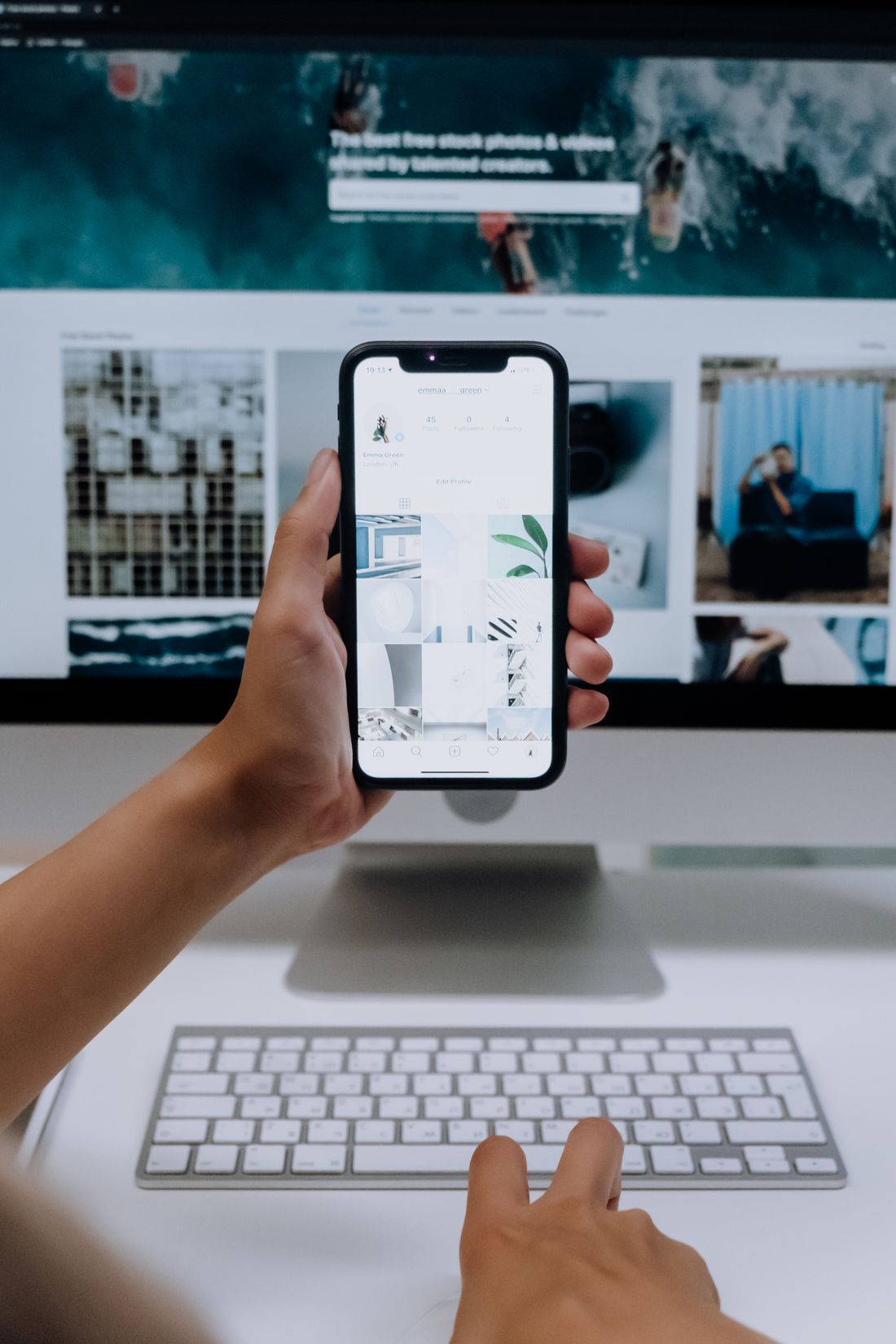
Use Canva's layout tools to design ebooks and covers, customize templates with images and illustrations, and publish on Amazon Kindle, Apple Books, Google Play Books, Etsy, and Gumroad for passive income.
Canva makes ebook design completely accessible to beginners. Use the built-in "A4 document" template, add your content, professional covers, and section headers, then export as PDF. The result looks like it cost hundreds to design.
High-Converting eBook Topics in Your Niche:
- 📘 "The Beginner's Guide to Making Money with AI in 2026" (directly complements RealIncomeLab content)
- 📗 "30 Days to Your First $500 Online" (actionable, specific timeline)
- 📙 "The Canva Template Business Blueprint" (teaches what you've just learned)
- 📕 "AI Tools for Small Business Owners: The 2026 Starter Pack"
8. Method 6: Canva Creator Program
This is the only method on this list where Canva itself pays you directly. As of 2026, top contributors earn hundreds to thousands of dollars monthly from high-demand assets. This is one of the few truly passive income opportunities built directly into the platform.
How it works: You submit original templates, graphics, icons, or illustrations to Canva's marketplace. When Canva users use your assets, you earn a revenue share — automatically, with zero selling or marketing on your part.
The barrier: Canva has quality standards and an application process. Your work needs to be polished, original, and genuinely useful — not just functional. But once accepted, top contributors in the Canva Creator Program earn meaningful ongoing passive income as their designs are used repeatedly across Canva's massive user base.
9. Method 7: Teaching Canva (Courses and Tutorials)
Teaching is one of the few ways to turn a side hustle into scalable, recurring income without constantly creating new products. If you've learned to use Canva well, someone who hasn't yet is willing to pay you to shortcut their learning curve.
Your teaching options:
- 🎥 YouTube tutorials — free to post, earns via AdSense + affiliate links to your own products
- 📚 Gumroad mini-course — "Canva for Small Business Owners in 60 Minutes" priced at $19–$47
- 🎓 Udemy/Teachable course — more structured, higher price point ($47–$197)
- 🤝 1-on-1 coaching sessions — $50–$150/hour for personalized Canva training
Start with a single, specific topic: "How to design a 10-post Instagram carousel in Canva." Record a screen-capture walkthrough using Loom or OBS. Once you validate interest through views and comments, package an extended version into a paid course on Gumroad or Teachable.
10. Method 8: Becoming a Canva Virtual Assistant
You can also make money simply by using your Canva skills: become a Canva Virtual Assistant (VA) for businesses. Companies increasingly hire remote VAs specifically to handle their Canva design work — social posts, presentations, marketing materials — on an ongoing basis.
As a Canva VA, you typically earn $15–$35/hour for basic work, rising to $40–$65/hour as you specialize. The advantage over general freelancing: you're an ongoing retainer employee with predictable weekly income, not chasing one-off projects.
Where to find Canva VA clients: VA Facebook groups, Upwork, LinkedIn, and direct outreach to small businesses whose social media you can visibly see needs improvement.
11. Side-by-Side Comparison: Which Method Is Right for You?
| Method | Speed to First $ | Passive? | Monthly Ceiling | Best If... |
|---|---|---|---|---|
| Templates (Etsy) | 1–4 weeks | ✅ Yes | $2,000+ | You want long-term passive income |
| POD | 2–6 weeks | ✅ Yes | $5,000+ | You enjoy product design |
| Freelance | Days | ❌ Active | $3,000+ | You need income fast |
| Content Packages | 1–2 weeks | ⚠️ Semi | $5,000+ | You want stable retainer income |
| eBooks | 2–8 weeks | ✅ Yes | $1,500+ | You enjoy writing + design |
| Creator Program | Months | ✅ Yes | $2,000+ | You love creating design assets |
| Teaching | 3–8 weeks | ⚠️ Semi | $5,000+ | You enjoy explaining things |
| Canva VA | Days | ❌ Active | $2,500+ | You want reliable weekly income |
12. 5 Golden Rules Every Beginner Must Follow
"Editable Instagram template designed for small business owners who want to save 5+ hours per week" beats "Instagram template" by a wide margin in both search visibility and conversion rate.
Sellers who publish five products within 30 days are ahead of 80% of stores. Most people who quit do so in the first two weeks, before the market has even told them anything.
Service income is the fastest cash; productized income (templates, POD) is the most scalable. The smart play is using the first to fund the second.
Always create designs from scratch for sale. Never use or modify Canva's own templates as sellable products — this violates Canva's terms of service and can get your account closed.
Creators who earn more money tend to combine several methods: a template seller who also runs a YouTube channel promoting their shop, for instance, builds an audience that feeds both income streams at once.
13. Realistic Income Expectations for Beginners
📊 Realistic Monthly Earnings by Stage
$50–$300
$300–$800
$500–$2,000
$1,500–$5,000
Based on Shopify, Printful, and Podbase 2026 data. Combines passive (templates, POD) and active (freelance, VA) income methods.
A realistic goal for a beginner is $50 to $300 over the first few months as you learn SEO and marketing. Successful creators often focus on a specific type of customer and can earn $500 to $2,000+ a month after they are more established.
💬 Our Take — The RealIncomeLab Team
We have reviewed dozens of online income tools and methods over the past year, and Canva stands out for one specific reason: it genuinely has no meaningful barrier to entry. We're not saying this as hype — we mean it in the literal sense. The free version is functional enough to earn real money, the learning curve is measured in hours not months, and the income models are diverse enough to match almost any schedule or skill level.
Our honest recommendation for a true beginner: start with freelance services (Method 3) this week to put immediate cash in your pocket, and spend the same time building your first template pack (Method 1) on the side. Within 60 days you'll have active income from clients AND a passive income product that works while you sleep. That combination — one active, one passive — is the fastest path to feeling financially stable from Canva income.
One warning we must give clearly: the first month will feel slow. Your first template might sell twice. Your first client might take two weeks to find. That is not failure — that is the system working exactly as it should. The creators earning $2,000/month from Canva today were making $30/month six months ago. The gap between those two numbers is almost always just time and consistency — not talent. 💪
14. Frequently Asked Questions
💬 Which Canva Method Are You Going to Try First?
Tell us in the comments: which of the 8 methods fits your situation best right now? Have you already started using Canva to earn money? Share your experience, question, or first win below 👇
The RealIncomeLab Team reads every comment and replies personally — whether you're deciding between methods, stuck on your first listing, or celebrating your first sale.
🔖 Bookmark this guide — we update it as Canva adds new features and income opportunities throughout 2026.
Tags: how to make money with Canva, Canva income 2026, sell Canva templates Etsy, Canva beginner guide, Canva passive income, Canva freelance 2026, make money online with design, Canva templates side hustle, digital products Canva, realincomelab, Canva Pro worth it, Canva Creator Program, print on demand Canva
📚 Sources
- Printful Blog — "How to make money on Canva in 2026: 8 Proven ways" (2026)
- Shopify Blog — "How to Make Money With Canva in 2026: 14 Must-Try Methods" (Updated March 25, 2026)
- Podbase Blog — "How to Make Money with Canva in 2026 (Pro Guide)" (2 weeks ago, 2026)
- Canva Official — "Make cash with Canva thanks to these side hustle ideas" (January 23, 2026)
- TechXploria — "Make Money with Canva in 2026: The Ultimate Beginner's Guide" (March 17, 2026)
- SkillToMillions — "How to make passive income from Canva — Beginner-Friendly" (March 5, 2026)
- Financial Binder — "How to Make Money With Canva in 2026: 10 Profitable Ways That Actually Work" (April 30, 2026)
- Dimes School — "How to Make Money with Canva in 2026" (January 29, 2026)
- Medium / Alijee Writes — "How to Make Money on Canva in 2026 (Pro Guide)" (March 20, 2026)


Comments
Post a Comment